- Open Hours: 9AM to 6PM: (Mon-Sat)
- care@mobisafar.com
- 0161-5015050 Join Us


Searching for a UPI cash withdrawal point near me is useful when you need physical cash but do not have a debit card or want to avoid searching for a conventional ATM. UPI Cash Point allows customers to withdraw cash at participating Bank Mitra or Business Correspondent outlets by scanning a QR code and paying through their UPI app.
Mobisafar provides a UPI Cash Point service through participating retailers. The retailer uses the Mobisafar App to select QR ATM or UPI Cashout, enters the withdrawal amount and customer's mobile number, generates a dynamic QR code, and hands over cash after the transaction is successfully completed.
This makes a local shop function as an assisted cash access point for customers who use UPI.
A scan QR code cash withdrawal point nearby works differently from a normal ATM. Instead of inserting a debit card, the customer uses a UPI application on their smartphone.
The basic process is:
NPCI describes UPI Cash Point as a service that allows users to withdraw cash from participating local shops and Business Correspondent outlets by scanning the outlet's UPI QR and paying through UPI.
With Mobisafar, the retailer specifically generates a dynamic QR code, and the company instructs retailers not to accept screenshots or photographs of that QR because it is intended for one-time use.
When you need cash urgently, an emergency UPI cash withdrawal point near me can be a convenient alternative to looking for an ATM.
UPI cash withdrawal is particularly useful when:
Mobisafar describes UPI Cash Withdrawal as a cardless method where customers scan a QR code, authenticate the transaction and receive physical cash from a participating retailer.
However, an emergency cash point is only useful if the outlet is open, has sufficient cash and has an active UPI Cash Point service. NPCI also notes that cash availability depends on the participating outlet.
An emergency UPI QR cash withdrawal point nearby can provide cardless access to cash through a participating retailer.
Mobisafar's current UPI Cash Point limits are:
| Transaction Limit | Amount |
|---|---|
| Maximum per transaction | ₹5,000 |
| Daily limit | ₹10,000 |
| Monthly limit | ₹50,000 |
| Transactions per day | 2 |
| Cooling period | 30 minutes |
These limits are published by Mobisafar for its UPI Cash Point service.
Therefore, if you urgently need ₹8,000, for example, you cannot necessarily withdraw the full amount in a single Mobisafar UPI Cash Point transaction because the published per-transaction limit is ₹5,000.
Always check the current limits and transaction status in the active service before attempting a withdrawal.
A scan and get cash point near me refers to a participating merchant location where customers can use UPI to obtain physical cash.
The concept is simple:
Scan QR → Authenticate with UPI → Transaction Successful → Receive Cash
Mobisafar's official process follows this same model. The retailer logs into the Mobisafar App, chooses QR ATM or UPI Cashout, enters the required details, asks the customer to scan the dynamic QR and gives cash after confirmation.
The advantage is that customers do not need to search exclusively for an ATM. A participating neighborhood retailer can provide cash access through the UPI Cash Point service.
If you search for a scan and withdraw cash shop near me, look for a participating UPI Cash Point, Bank Mitra or Business Correspondent outlet.
Before completing a transaction, check:
Do not scan a QR image received through WhatsApp, SMS or another person's phone. Mobisafar specifically states that its dynamic QR is for one-time use and should not be accepted as a screenshot or photograph.
A UPI cash point near me can be a local shop or authorized business correspondent outlet that has been enabled to provide UPI-based cash withdrawal.
Mobisafar's banking platform lists QR ATM as one of its services and explains that customers can withdraw money by scanning a dynamic QR code from UPI applications such as Google Pay, PhonePe and Paytm.
Mobisafar's official UPI Cash Point page also provides a retailer workflow and identifies its customer withdrawal limits and transaction rules.
What You Need
For a typical UPI cash withdrawal, you need:
A debit card is not required for the UPI Cash Point process. NPCI describes the service as a way to withdraw cash using a UPI app at participating outlets.
A Mobisafar cash point near me is a participating retailer location where Mobisafar's UPI Cash Point service is available.
Mobisafar currently promotes UPI Cash Point as a way for retailers to provide cash withdrawal services through UPI applications. Its official process requires the retailer to generate the dynamic QR from the Mobisafar App and give cash only after the transaction succeeds.
Mobisafar also provides other assisted banking services through its retailer ecosystem, including AEPS, Micro ATM, QR ATM, money transfer and CSP services.
This means a Mobisafar cash point may offer more than UPI cash withdrawal, although the exact services available can differ between individual retailers.
If you are specifically looking for a Mobisafar cash point near me, the most reliable approach is to look for a participating Mobisafar retailer or contact Mobisafar support to confirm availability.
You can also search local map listings for Mobisafar, UPI Cash Point, Bank Mitra or financial-service outlets.
Because individual retailers may have different service activation, opening hours and cash availability, always confirm the UPI Cash Point service before travelling to a location.
| Feature | UPI Cash Point | Traditional ATM |
|---|---|---|
| Debit card | Not required | Usually required |
| Smartphone | Required | Usually not required |
| UPI app | Required | Not required |
| QR scan | Yes | No |
| Cash from local shop | Yes | No |
| Retailer assistance | Yes | No |
| Cash availability | Depends on retailer | Depends on ATM |
| PIN authentication | UPI PIN | ATM PIN |
UPI Cash Point is therefore particularly convenient when a customer has their phone and UPI access but does not have a physical debit card.
When using an emergency UPI QR cash withdrawal point nearby, follow basic precautions.
Use Only the Live QR
A dynamic QR generated for the transaction should be scanned directly. Mobisafar warns against using screenshots or photographs of its dynamic QR.
Check the Amount
Before entering your UPI PIN, verify that the amount displayed in your UPI application is the amount you intend to withdraw.
Never Share Your UPI PIN
The retailer should never need to know your UPI PIN.
Wait for Confirmation
Do not consider the transaction successful merely because the QR was scanned. Wait for the final transaction confirmation.
Keep the Reference Number
Mobisafar instructs retailers to maintain transaction records including the customer name, mobile number, amount, signature and RRN.
If your nearest UPI cash withdrawal point does not have sufficient cash, try another participating outlet or request a smaller amount.
NPCI's UPI Cash Point FAQ specifically notes that participating outlets may have limited cash availability and suggests trying another nearby outlet or returning later after the outlet has replenished its cash.
This is why emergency cash users should ideally identify more than one nearby participating cash point.
Mobisafar's UPI Cash Point is also designed for retailers who want to add cash withdrawal to their existing business.
The retailer can use the Mobisafar App, select the UPI Cashout or QR ATM service, generate the dynamic QR and provide cash after successful payment.
For retailers, the service can complement other Mobisafar offerings such as:
Mobisafar's banking-services page lists these services as part of its broader retailer ecosystem.
If you cannot locate a Mobisafar cash point, have a transaction issue or need assistance with UPI Cash Point services, Mobisafar currently lists:
Customer Care: 0161-5015050
Email: care@mobisafar.com
The official contact page provides these details for customer support and inquiries.
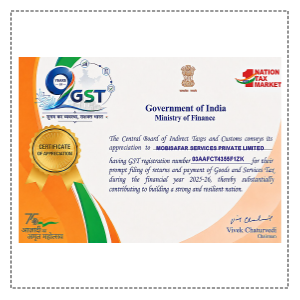
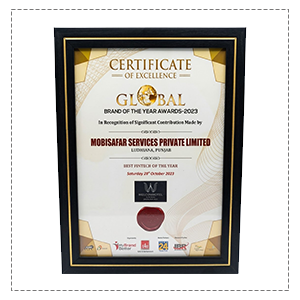
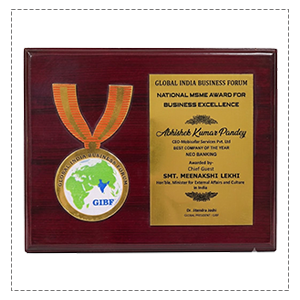
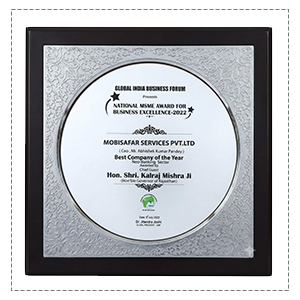
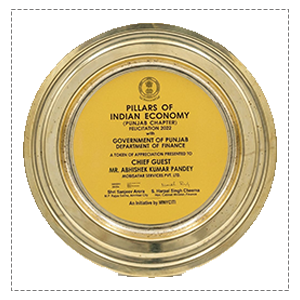
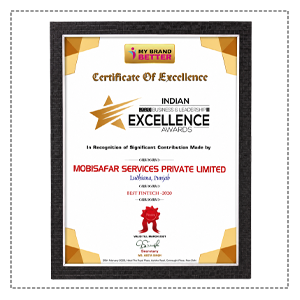
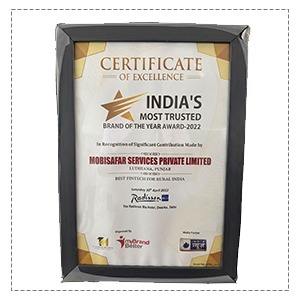
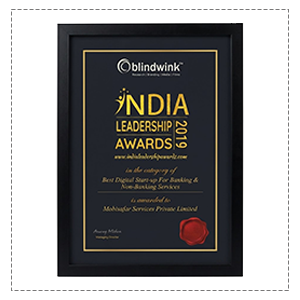
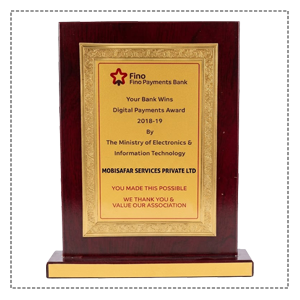
Honored to be recognized for excellence, innovation and impactful contributions.





"I forgot my wallet at the hostel, but my local grocery store let me scan a QR code with my phone to get the emergency cash I needed instantly."
"No need to hunt for an ATM or carry debit cards anymore—I just use my regular UPI app at the neighborhood shop to withdraw cash safely."
"When I need change during my delivery routes, scanning the dynamic QR at a Mobisafar point is the fastest and most hassle-free way to get cash."
"Becoming a UPI Cash Point has been great for my store; customers love the convenience of cardless withdrawals, and it brings in new foot traffic daily."
"I ran out of cash while visiting the local market, and being able to just scan and withdraw money from a nearby retailer saved my day."
Our Common Queries (FAQs) section is designed for provide quick
answers to
the most frequently asked questions.
A UPI cash withdrawal point near me provides a convenient way to access physical cash through a UPI-enabled smartphone instead of relying on a physical debit card. The customer scans the QR code at a participating outlet, authenticates the transaction through the UPI app and receives cash after successful confirmation.
Mobisafar's UPI Cash Point follows a dynamic-QR process through the Mobisafar App. Its published limits are ₹5,000 per transaction, ₹10,000 per day and ₹50,000 per month, with two transactions per day and a 30-minute cooling period.
Whether you are searching for an Emergency UPI cash withdrawal point near me, Emergency UPI QR cash withdrawal point nearby, Scan and get cash point near me, Scan and withdraw cash shop near me, UPI cash point near me, or a Mobisafar cash point near me, make sure the outlet is participating, open and has enough cash before initiating the transaction.
