- Open Hours: 9AM to 6PM: (Mon-Sat)
- care@mobisafar.com
- 0161-5015050 Join Us


Empowering agents to provide seamless cash withdrawal using UPI apps.

Login to Mobisafar App.
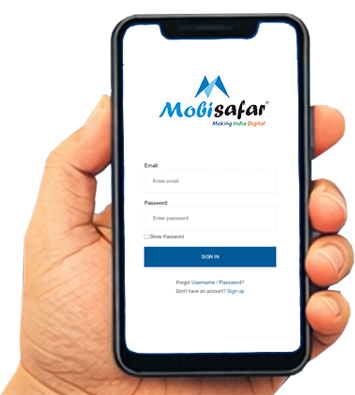
Select QR ATM or UPI Cashout option.
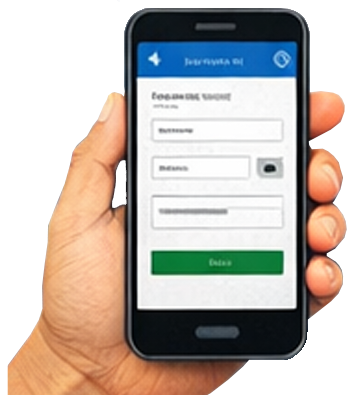
Enter Amount and Customer’s Mobile Number.
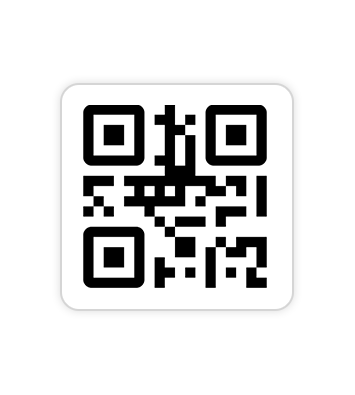
Ask the customer to scan the Dynamic QR Code.
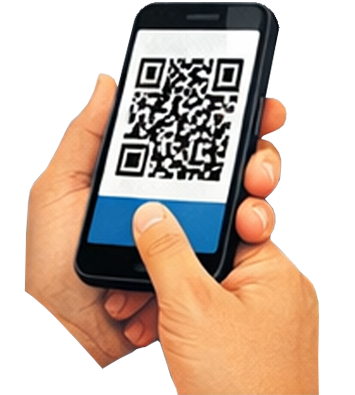
Give Cash to the customer once the transaction is successful.

Per Transaction
Per Day Limit
Monthly Limit
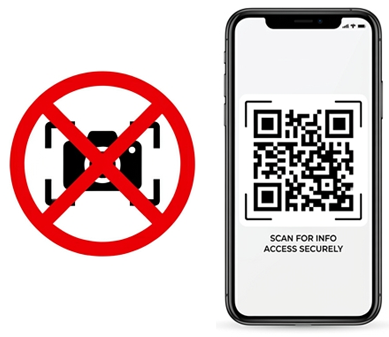
Do Not Allow Screenshot or Photo of Dynamic QR. Dynamic QR is for One-Time Use Only
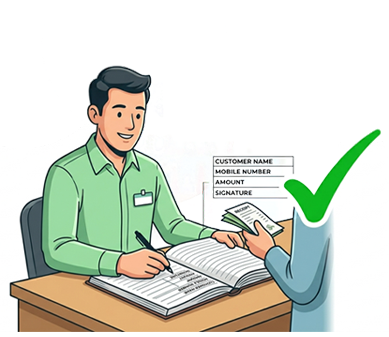
Maintain Proper Register for Every Withdrawal
• Customer Name
• Mobile Number
• Amount
• Signature
• RRN
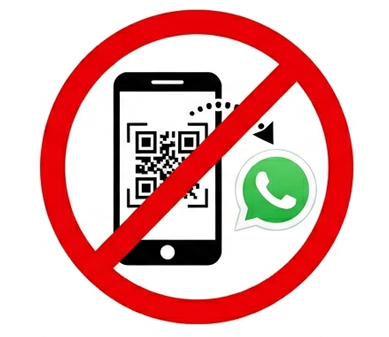
Do Not Allow Customer to Send QR Photo for Withdrawal